> For the complete documentation index, see [llms.txt](https://thrustpad.gitbook.io/docs/llms.txt). Markdown versions of documentation pages are available by appending `.md` to page URLs; this page is available as [Markdown](https://thrustpad.gitbook.io/docs/for-projects/airdrop.md).
# Airdrop
A straightforward step-by-step guide on how to airdrop your tokens to multiple wallets using the ThrustPad Airdrop tool.
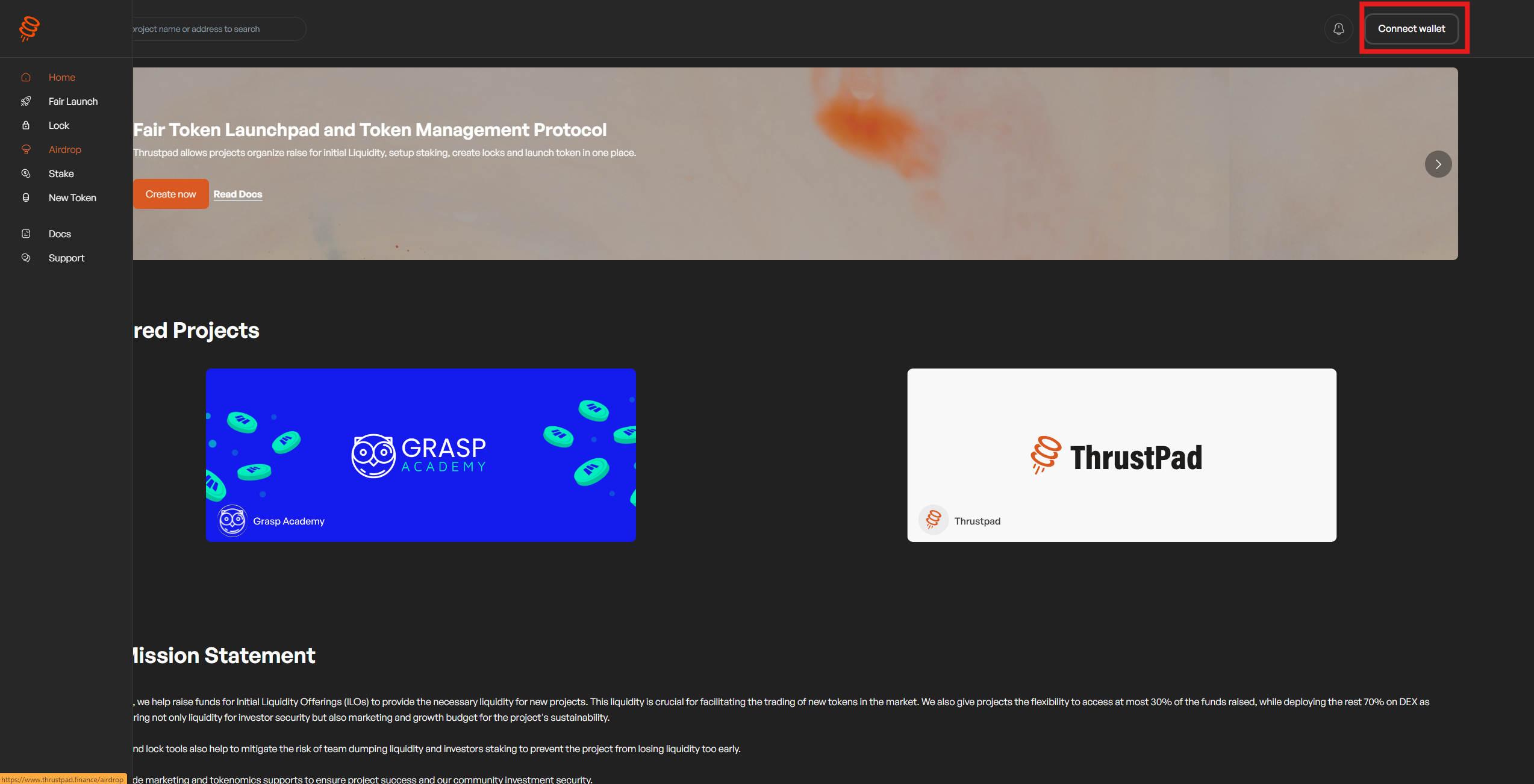
Go to out website
1. Connect your wallet and ensure you're using the correct wallet and chain for the sale. Always double-check that the website is correct before connecting—ThrustPad has no other domains.
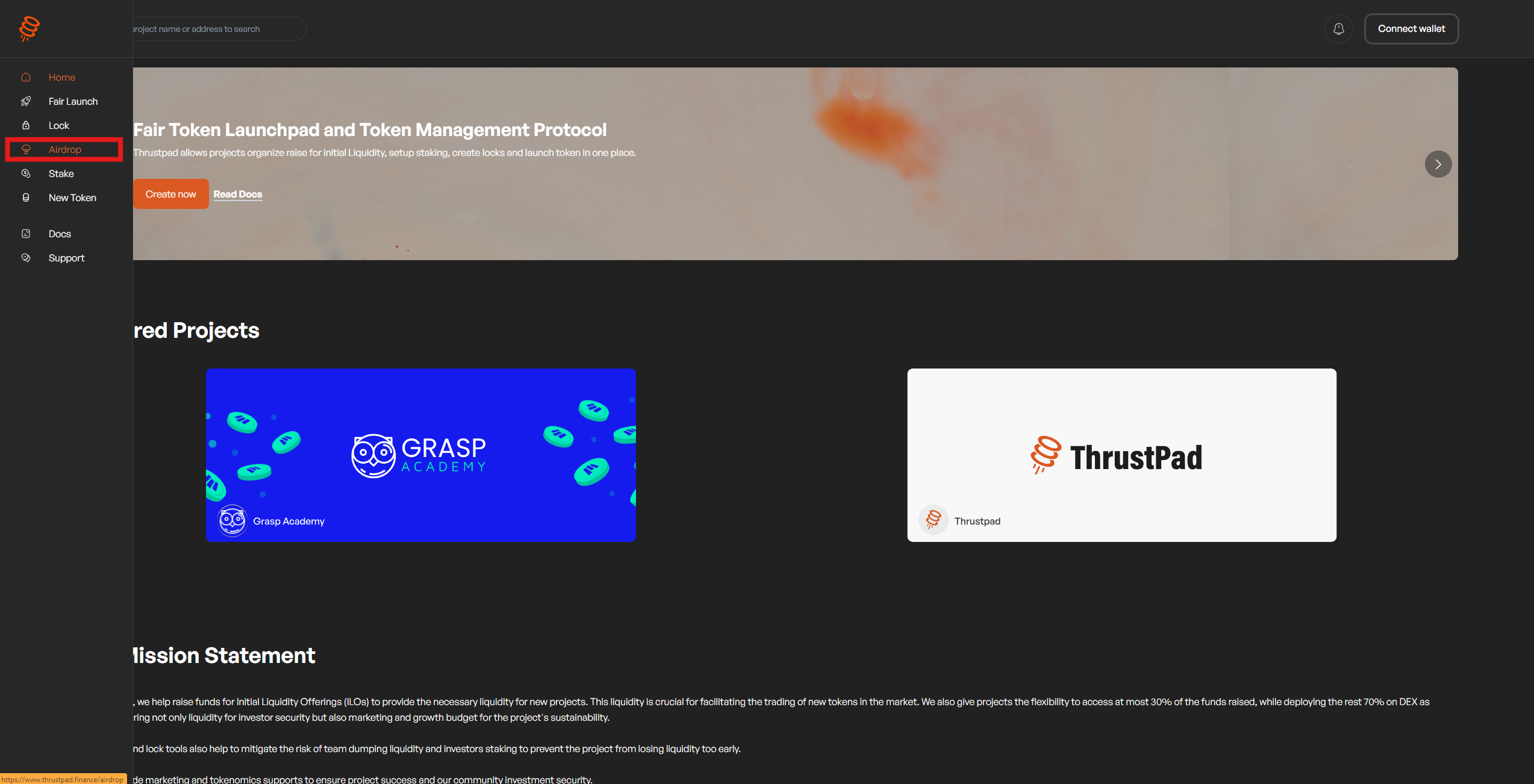
2. Go the Menu Bar and choode "Airdrop" button
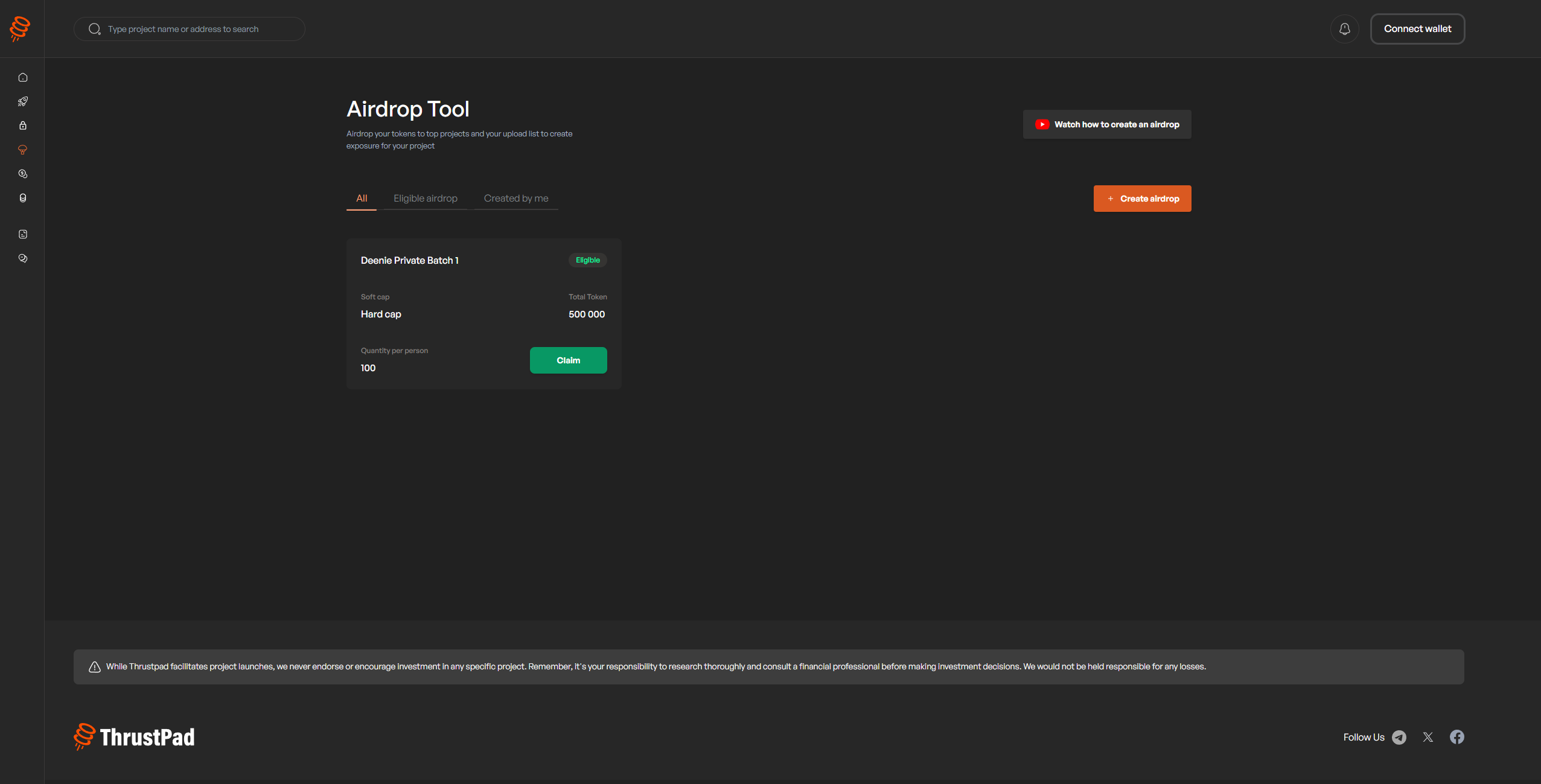
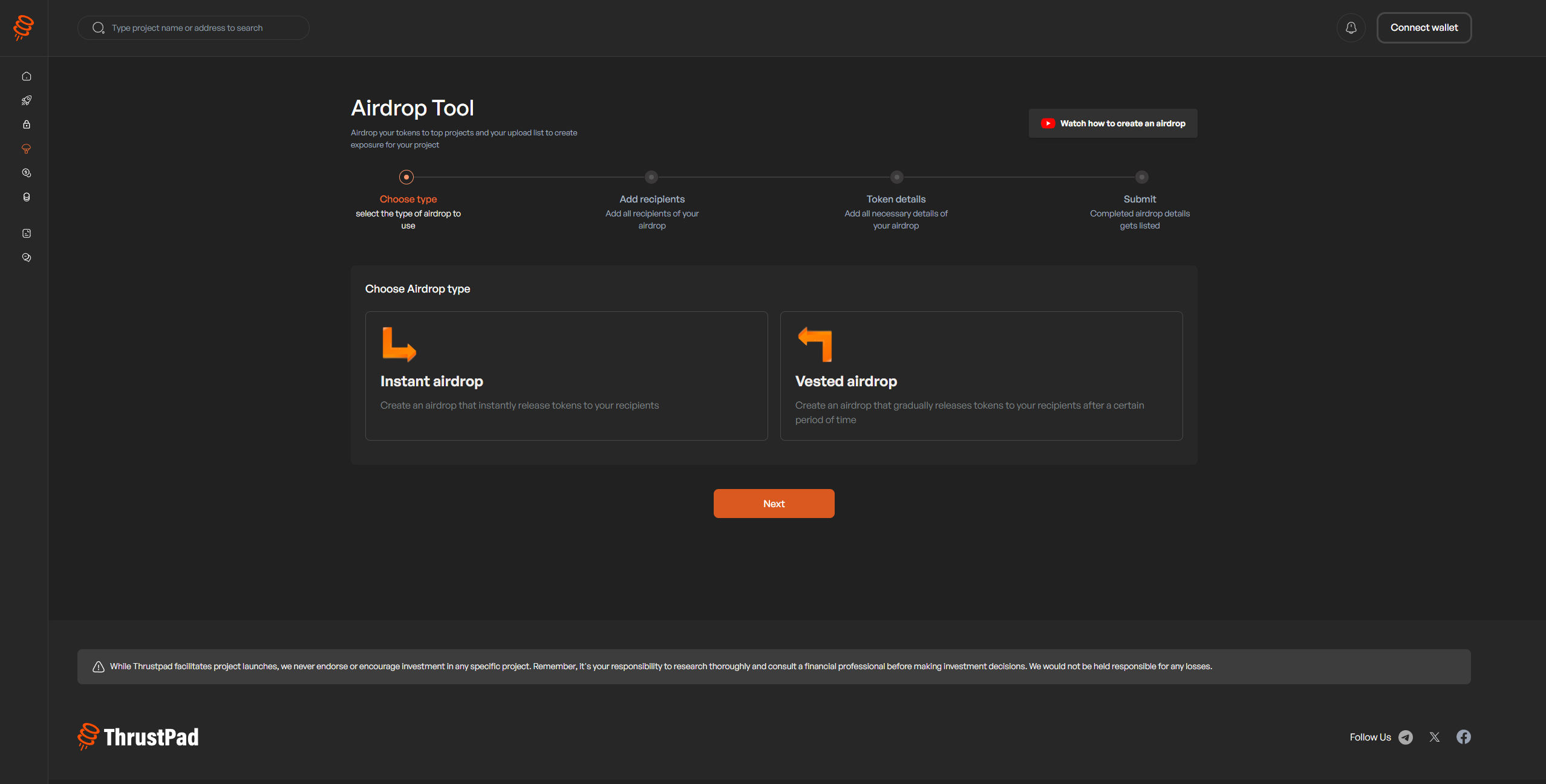
3. Click on the "Create Airdrop" button and choose between the various Airdrop Tools.